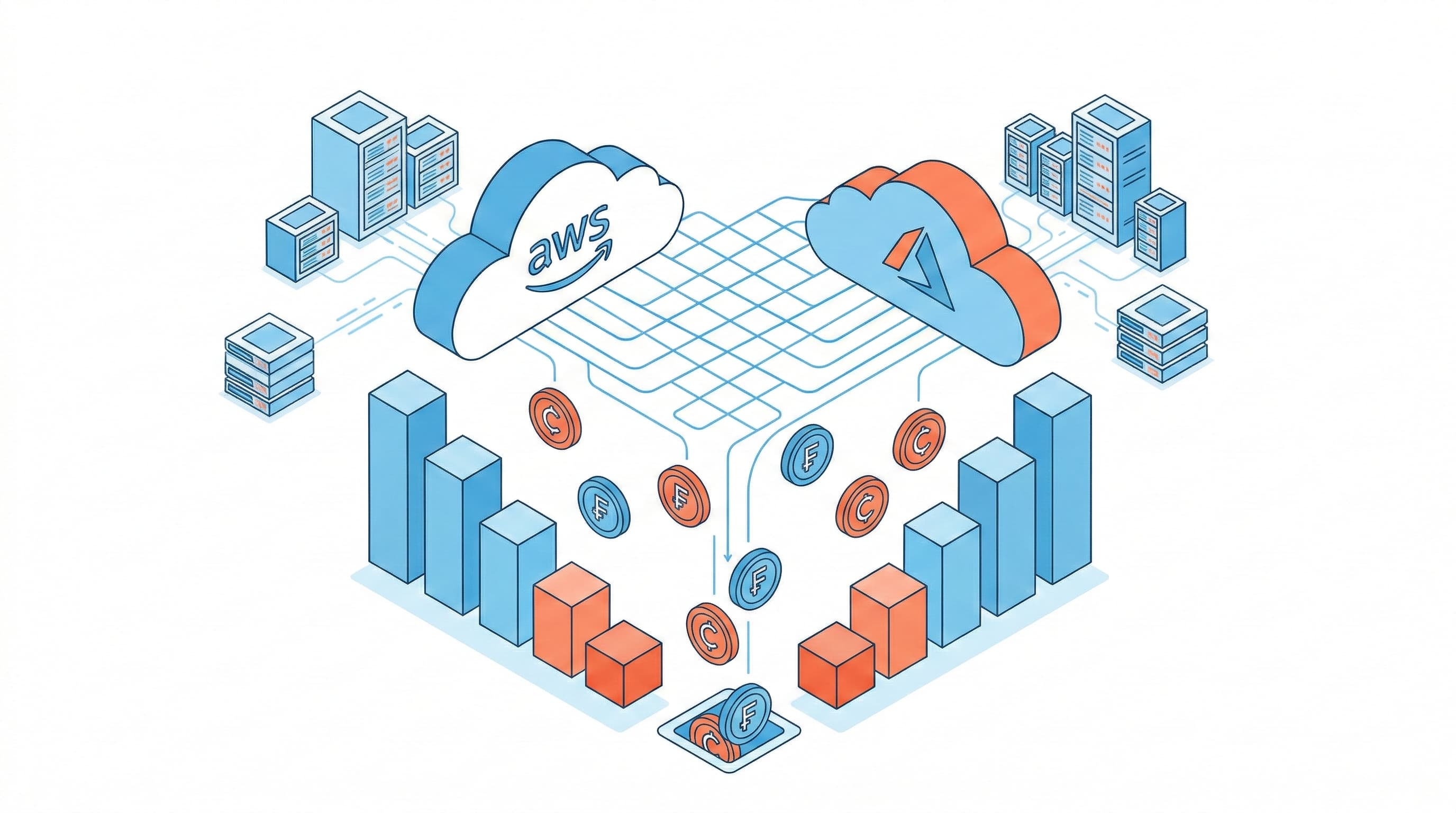
Cloud cost optimisation is not about cutting corners — it is about eliminating waste and ensuring every pound of cloud spend is delivering value. In our experience managing cloud environments for UK businesses, the average organisation wastes between 30% and 40% of their cloud bill on resources that are idle, oversized, or priced suboptimally.
This guide covers the highest-impact optimisation levers across AWS and Azure, with specific actions you can take immediately.
Step 1: Get Visibility Before You Optimise
You cannot optimise what you cannot see. The first step is always establishing proper cost visibility:
- AWS: Enable Cost Explorer, set up cost allocation tags on every resource, and enable AWS Compute Optimizer. Create a cost anomaly detection alert so you are notified of unexpected spend spikes within 24 hours.
- Azure: Use Azure Cost Management + Billing with resource tags for allocation. Enable Azure Advisor recommendations — it surfaces rightsizing and reservation opportunities automatically.
Without tagging, you cannot attribute costs to teams, projects, or environments. Implement a tagging policy immediately and enforce it via AWS Service Control Policies or Azure Policy.
Step 2: Eliminate Idle and Orphaned Resources
This is consistently the fastest win. In every cloud audit we conduct, we find significant spend on resources that are doing nothing:
AWS
- Idle EC2 instances: Any instance with CPU utilisation below 5% over 14 days is a candidate for termination or rightsizing. Use Compute Optimizer to identify these automatically.
- Unattached EBS volumes: Volumes that are not attached to a running instance still incur storage costs. Run
aws ec2 describe-volumes --filters Name=status,Values=availableto find them. - Unused Elastic IPs: Elastic IPs not associated with a running instance cost $0.005/hour — trivial individually, but they accumulate.
- Old snapshots: EBS snapshots are charged at $0.05/GB/month. Implement a snapshot lifecycle policy to automatically delete snapshots older than your retention requirement.
- Idle load balancers: ALBs and NLBs with no registered targets or minimal traffic should be removed.
Azure
- Deallocated VMs: Stopped (deallocated) VMs do not incur compute costs, but their managed disks do. Review and delete disks attached to permanently decommissioned VMs.
- Unattached managed disks: Use Azure Advisor or run a Resource Graph query to find disks with no owner VM.
- Unused public IP addresses: Static public IPs not associated with a resource incur charges.
- Empty resource groups: Often indicate abandoned projects with lingering resources.
Step 3: Rightsize Compute
Oversized instances are the single largest source of cloud waste. Engineers provision for peak load and never revisit the sizing. The result: production workloads running on instances that are 4–8x larger than required.
AWS: Compute Optimizer analyses CloudWatch metrics and recommends optimal instance types. Pay particular attention to memory utilisation — CloudWatch does not collect memory metrics by default, so install the CloudWatch agent to get accurate data.
Azure: Azure Advisor provides rightsizing recommendations based on 7 or 30-day utilisation data. The default threshold is 5% CPU — consider raising this to 20% for a more aggressive rightsizing programme.
A practical approach: rightsize development and staging environments first (lower risk), validate the performance impact, then apply the same changes to production.
Step 4: Commit to Savings Plans and Reserved Instances
On-demand pricing is the most expensive way to run predictable workloads. For any resource running more than 60% of the time, commitment-based pricing delivers significant savings:
AWS
- Compute Savings Plans: 1 or 3-year commitment to a consistent amount of compute usage (measured in $/hour). Applies automatically across EC2, Lambda, and Fargate. Savings of 40–66% vs on-demand.
- EC2 Reserved Instances: For specific instance families in specific regions. Standard RIs offer up to 72% savings. Convertible RIs offer up to 54% with flexibility to change instance type.
- RDS Reserved Instances: Database instances are often the largest single line item. 1-year RDS RIs typically save 40–45% vs on-demand.
Azure
- Azure Reservations: 1 or 3-year commitments for VMs, SQL Database, Cosmos DB, and other services. Savings of 40–72% vs pay-as-you-go.
- Azure Savings Plans for Compute: Flexible commitment that applies across VM sizes and regions. Savings of up to 65%.
- Azure Hybrid Benefit: If you have existing Windows Server or SQL Server licences with Software Assurance, apply Azure Hybrid Benefit to eliminate the OS/SQL licence cost from your Azure bill. This alone can reduce VM costs by 40–49%.
Step 5: Optimise Storage
Storage costs compound silently. Implement lifecycle policies to automatically transition data to cheaper storage tiers as it ages:
- AWS S3: Move objects to S3 Infrequent Access after 30 days, Glacier Instant Retrieval after 90 days, Glacier Deep Archive after 180 days. Enable S3 Intelligent-Tiering for unpredictable access patterns.
- Azure Blob Storage: Implement lifecycle management policies to transition blobs from Hot to Cool after 30 days and to Archive after 90 days.
- EBS/Managed Disks: Audit volume types — gp2 volumes in AWS should be migrated to gp3 (same performance, 20% cheaper). Azure Premium SSD v2 offers better price/performance than Premium SSD for most workloads.
Step 6: Tackle Data Transfer Costs
Data transfer is often overlooked but can represent 10–20% of a cloud bill. Key areas to address:
- Minimise cross-AZ traffic by co-locating tightly coupled services in the same AZ
- Use VPC endpoints (AWS) or Private Endpoints (Azure) to keep traffic off the public internet and avoid NAT gateway charges
- Review CloudFront/Azure CDN configuration — serving content from the edge reduces origin data transfer costs
- Compress data before transfer where possible
Building a FinOps Practice
One-time optimisation delivers short-term savings. Sustained savings require a FinOps practice — a continuous cycle of visibility, optimisation, and governance:
- Weekly cost review meetings with engineering and finance
- Cost budgets and alerts per team/project/environment
- Tagging compliance enforcement via policy
- Monthly rightsizing review using Compute Optimizer/Azure Advisor
- Quarterly reservation review — are commitments still aligned with actual usage?
- Showback or chargeback to create accountability at team level
Baycop provides cloud cost optimisation engagements for AWS and Azure environments. Our typical engagement delivers 30–45% cost reduction within 90 days. Book a free cloud cost review to find out how much you could save.